

Technology in vehicles often gets marketed as futuristic or cutting-edge, but the real measure of Ford technology comes down to whether it makes your daily commute to work easier, reduces stress during weekend road trips, or helps you avoid common driving mistakes. At Cloninger Ford, customers consistently discover how it addresses practical driving situations rather than simply adding features for the sake of innovation. From Ford driver assist technology that prevents collisions to connectivity systems that keep you productive, these technologies deliver genuine improvements to everyday driving experiences.
Ford Co-Pilot360 for Real-World Driving Situations
Ford Co-Pilot360 comes standard on most Ford models and brings together several driver assist technology features designed to prevent common accidents. Pre-Collision Assist with Automatic Emergency Braking monitors the road ahead using cameras and radar, detecting vehicles and pedestrians in your path. When the system senses a potential collision, it provides visual and audible warnings. If you do not respond quickly enough, it automatically applies the brakes to help avoid or reduce the impact of a collision.
This feature proves particularly valuable in stop-and-go traffic around Salisbury when the vehicle ahead stops suddenly or when a pedestrian steps into a crosswalk without warning. The system includes pedestrian detection and can identify cyclists crossing your path, addressing scenarios that happen regularly in urban and suburban driving rather than just emergency situations.
Blind Spot Information System with Cross-Traffic Alert monitors the areas alongside and behind your vehicle that mirrors cannot fully cover. When a vehicle enters your blind spot, an indicator light appears in the corresponding side mirror. The Cross-Traffic Alert component helps when backing out of parking spaces by detecting vehicles approaching from either side and warning you before you back into their path.
Lane-Keeping Technology That Works in the Background
The Lane-Keeping System uses cameras to monitor road markings and detect when your vehicle begins to drift out of its lane without a turn signal activated. The system provides gentle steering assistance to guide you back into your lane, preventing the small lapses in attention that can lead to accidents during long drives or moments of distraction.
Does the Lane-Keeping System prevent you from changing lanes intentionally? No. When you activate your turn signal, the system recognizes your intention to change lanes and does not intervene. It only provides correction when it detects unintentional drifting, which typically indicates distraction or drowsiness.
After several lane departures, the system displays a coffee cup icon on the instrument cluster, suggesting you take a break. This feature addresses driver fatigue on longer trips, providing a reminder when your driving patterns indicate diminished alertness.
Intelligent Adaptive Cruise Control for Highway Comfort
Intelligent Adaptive Cruise Control represents a significant improvement over traditional cruise control systems. The technology uses cameras and radar to maintain your set distance from the vehicle ahead, automatically adjusting your speed based on traffic conditions. When traffic slows, the system slows your vehicle. When traffic clears, it accelerates back to your set speed.
The Stop-and-Go functionality brings the vehicle to a complete stop if traffic halts and automatically resumes when traffic moves again. This reduces driver fatigue during commutes on I-85 or trips to Charlotte when traffic conditions vary constantly. You can adjust the following distance between settings depending on your comfort level and how aggressive traffic conditions are.
Lane-Centering works with Adaptive Cruise Control are Ford driver assist technology that helps keep your vehicle centered in its lane, reducing the constant minor steering adjustments needed on highway drives. This combination of speed control and lane positioning makes long drives less tiring without requiring you to give up control of the vehicle.
SYNC 4 Connectivity That Actually Simplifies Daily Tasks
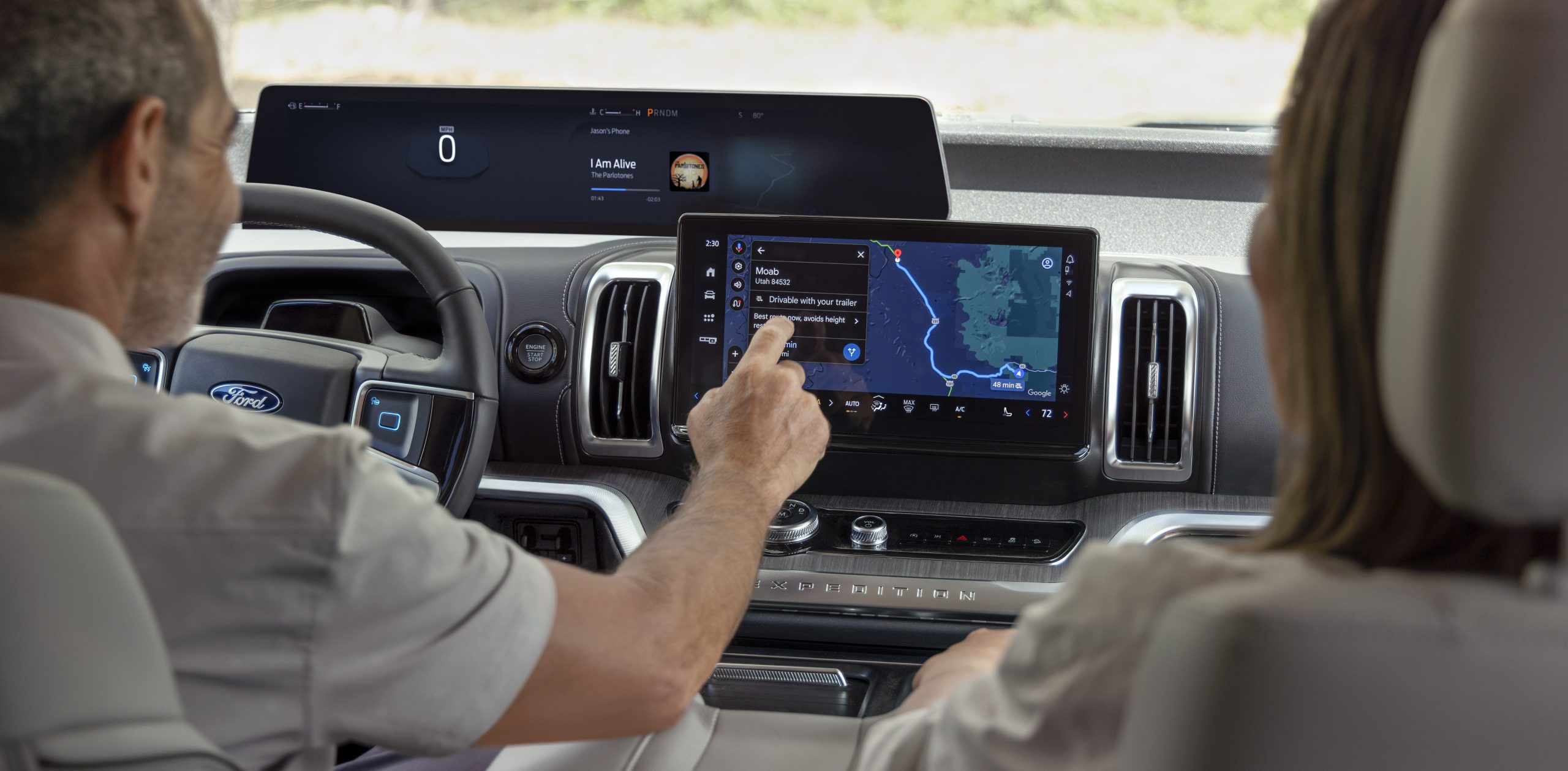
Ford technology extends beyond safety features into connectivity that integrates with your daily routines. SYNC 4 provides wireless Apple CarPlay and Android Auto connectivity, allowing you to access navigation, music, messages, and calls through your vehicle’s touchscreen without plugging in your phone.
The system responds to voice commands, letting you make calls, send messages, adjust climate controls, or change navigation destinations without taking your hands off the wheel. This voice-activated control proves useful when you need to respond to a text message during your commute or when you realize you need to add a stop to your route.
FordPass Connect turns your vehicle into a Wi-Fi hotspot, providing internet connectivity for up to ten devices. This feature helps when passengers need to work during road trips or when children need entertainment on longer drives. The wireless charging pad available on many models keeps your phone charged without cables cluttering the cabin.
360-Degree Camera System for Parking Confidence
The 360-Degree Camera System provides a bird’s-eye view of your vehicle and its surroundings, making it easier to navigate tight parking spaces or maneuver in confined areas. The system stitches together feeds from multiple cameras to create a top-down view displayed on your touchscreen.
Split-view mode lets you see two angles simultaneously, such as the overhead view combined with the rear camera view, giving you better awareness when parking in crowded lots or backing into spaces. The system activates automatically when you shift into reverse and can be manually activated at speeds under 6 mph for additional assistance when navigating tight spaces.
This technology eliminates much of the guesswork when parallel parking on Salisbury streets or maneuvering around obstacles in parking lots, reducing the stress of parking larger vehicles like the F-150 or Explorer.
FordPass App for Remote Vehicle Management
The FordPass app extends technology beyond the vehicle itself, allowing you to start your vehicle remotely, lock or unlock doors, check fuel level, and locate your vehicle in a parking lot. Remote start proves particularly useful during North Carolina summers and winters, letting you cool down or warm up the cabin before getting in.
The app provides vehicle health alerts, maintenance reminders, and service history, helping you stay on top of routine maintenance without needing to track mileage manually. You can schedule service appointments through the app and receive notifications when your vehicle is ready for pickup.
For electric vehicle owners, the app monitors charging status, allows you to precondition the cabin while the vehicle is still plugged in, and helps locate charging stations along your route. These features make electric vehicle ownership more convenient by addressing the practical concerns of charging and range management.
Technology That Adapts to Your Needs
At Cloninger Ford in Salisbury, NC, understanding how Ford technology and Ford driver assist technology improve daily driving helps shoppers make informed decisions about which trim levels and optional packages deliver the most value. The value of these technologies comes not from their sophistication but from how effectively they solve real problems you encounter when driving around Salisbury and beyond.
Frequently Asked Questions About Ford Technology
Does Ford Co-Pilot360 come standard on all Ford vehicles?
Most Ford models include Ford Co-Pilot360 as standard equipment, though specific features within the suite may vary by model and trim level. Higher trim levels typically offer advanced features like BlueCruise and 360-degree cameras.
Can Ford driver assist technology be turned off if I find it distracting?
Yes, most features can be disabled through the vehicle settings menu if you prefer not to use them, though keeping them active is recommended for safety benefits.
Does Ford have a smartphone app?
Yes, the FordPass app gives you access to your vehicle through your phone. Start your vehicle, get maintenance reminders, monitor charging status and more at the tips of your fingers.
Connect with us
